
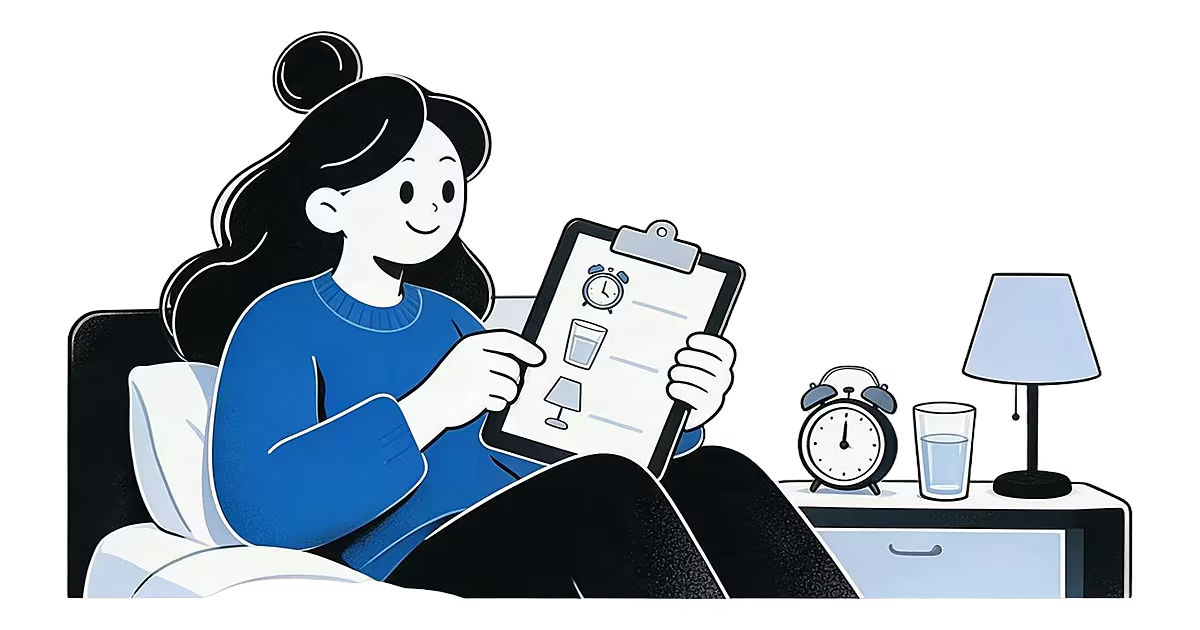
An alarm clock for heavy sleepers works best when it does three things: it plays a sound you actually notice, it changes that sound often, and it gives you more than one chance to wake. AlarmiFex covers those with a mood sound library, your own clips and Wake-up Series. It is a free download on iPhone and Android. No alarm promises you will wake up, so this page also covers the habits that make any alarm work better.
Why one alarm is easy to sleep through
A single tone at a single time asks a lot of a sleeping brain. After a few weeks the sound becomes something you hear without registering, and many heavy sleepers dismiss it half asleep without remembering it later. Waking up can also feel rough even when you do hear the alarm: the grogginess is called sleep inertia, and the Sleep Foundation describes it as the drowsy, impaired state right after waking. The plan below works on what you can change: the sound, the timing and the setup. For another angle, see how to wake up a heavy sleeper.
The best alarm clock for heavy sleepers is a plan, not one tone
If you are searching for the best alarm clock for heavy sleepers, start with these five steps. They work with the built-in Clock app too; AlarmiFex just makes the first three easier.
- Pick a sound you notice. Preview sounds by mood and choose one that cuts through your sleep without making you dread it. A sound you like is easier to answer than one you resent.
- Rotate it. Swap one sound for another every week or two. A tone that repeats every day fades into background noise, which is why a fresh one can get your attention again.
- Build a Wake-up Series. Choose a window and at least two different sounds. They play at evenly spaced times across it, so missing the first sound is not the end of the morning.
- Place the phone well. Keep it within reach of where you stand up, not under your pillow. Put it across the room if you tend to switch alarms off half asleep.
- Test your setup. Set a test alarm, lock the phone and check that you hear the sound at your usual ringer volume. Do it the evening before anything important.
Choose and rotate your sound
The library has 34 sounds across five moods: Calm, Energetic, Motivational, Classic and Anime. If a soft tone slips past you, try something with a clearer beat, such as the energetic alarm sounds or the motivational ones, and keep calm for the days you wake easily. Everyone is different, so preview a few and trust your own reaction. You can browse everything in the sound library by mood.
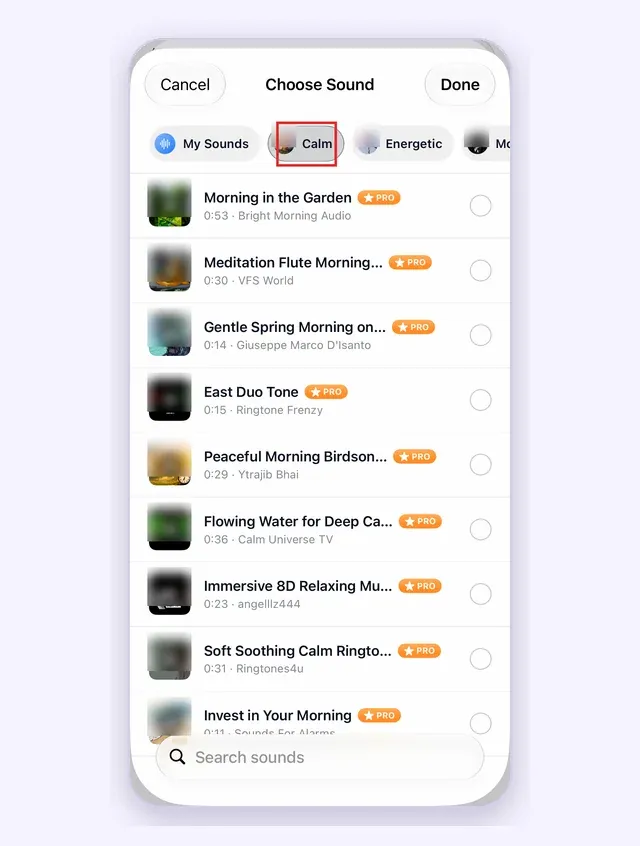
Want something only you would react to? Import a voice memo or a favourite clip and trim it to the best part. See custom alarm sounds. For rotation, a simple rule works: change the sound every Sunday evening.
Use a Wake-up Series for a second and third chance
A Wake-up Series plays several different sounds across a window of up to two hours. Three sounds between 6:00 and 6:30 play at 6:00, 6:15 and 6:30. Each sound is its own alarm, so dismissing the first one does not cancel the rest. Read how it works on the Wake-up Series page, or the reasoning in why your brain stops hearing the same alarm.
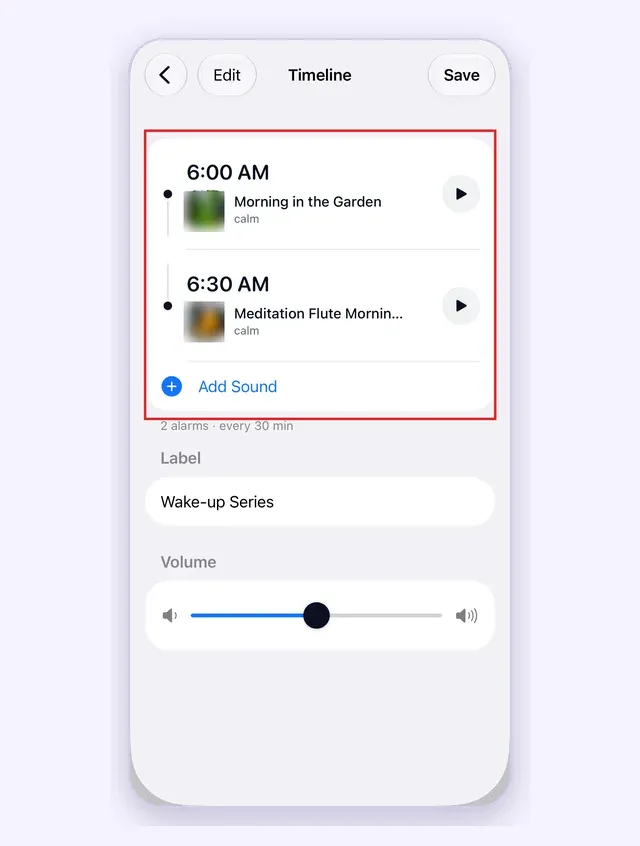
Mix moods inside the series. Start with a sound that is easy to hear, then move to something with more energy. Keep the window short enough that you will still make it on time.
Make sure it rings on silent
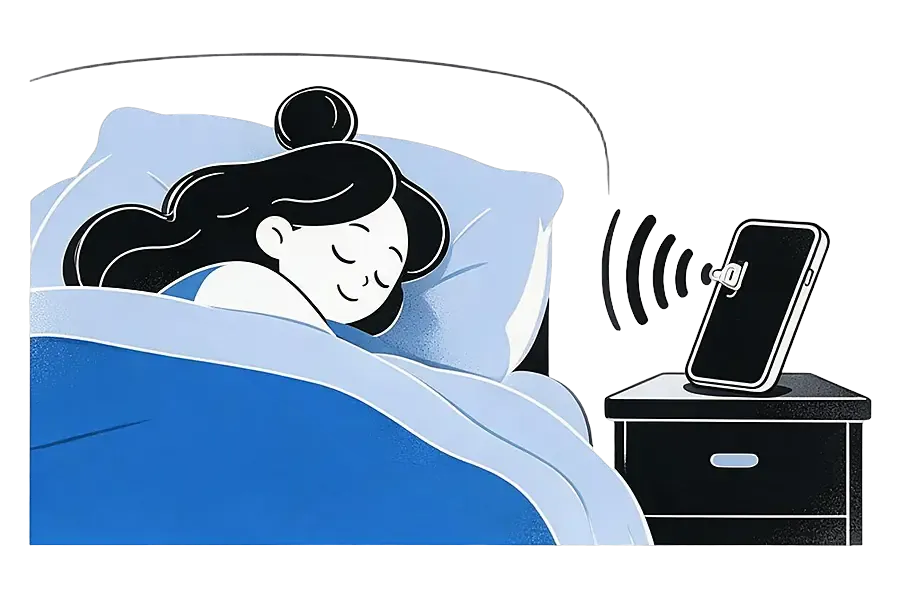
Many heavy sleepers keep the phone on silent at night. On iPhone, AlarmiFex uses Apple's AlarmKit, so alarms ring with the app closed, the phone locked, on silent or in Focus, once you allow alarms. They play at your ringer volume, so keep it up. More in rings on silent and the iPhone alarm app page. Android users can read about the Android alarm app.
What no app can do
AlarmiFex is not a sleep tracker, has no dismiss missions such as math or photo tasks, and cannot guarantee that you wake up. If you want to be forced out of bed, a mission alarm may suit you better; see our fair look at Alarmy alternatives or read about an alarm that makes you get out of bed. If you need a deeper comparison of apps, read the best alarm clock apps for heavy sleepers. Good sleep matters too; the Sleep Foundation's sleep hygiene guide covers habits that make waking easier. For the bigger picture, see how to wake up to your alarm and how to not oversleep for work.
An alarm app for heavy sleepers: what to look for
- Sounds you can change easily, ideally by mood.
- More than one sound in the morning, such as a series.
- Ringing on silent and in Focus, plus sounds saved to the phone.
- Honest limits. Be wary of any app that promises you will never oversleep.
Questions from heavy sleepers
There is no single best one. What helps most people is a sound they notice, a way to change it often, and a phone placed where they have to stand up. AlarmiFex is one option built around sound variety.
No. No app can promise that, and we will not pretend otherwise. We give you sounds you are likely to notice and ask you to test your setup.
On iPhone, AlarmiFex uses Apple's system alarm channel, so it rings with the app closed, the phone locked, on silent or in Focus, once you allow alarms. It plays at your ringer volume, so keep that turned up.
Sounds you download are saved on your phone, so the alarm does not need a connection.
Yes. Import an audio or video clip, such as a voice memo, and trim it to one minute or less. AlarmiFex does not record inside the app.
No. Snooze is off inside a series, because the next sound already acts as the follow-up.
It is a free download on iPhone and Android. Premium sounds and custom sounds need a subscription; see the app for current pricing and terms.
Make tomorrow morning sound like you
Pick a sound for your mood or import your own. AlarmiFex is free to download on the App Store and Google Play.


Related reading
Best Alarm Clock Apps for Heavy Sleepers, Free and Paid (2026)
The best alarm clock for heavy sleepers depends on why you sleep through it. Compare free and paid phone alarms, Alarmy, Sleep Cycle and AlarmiFex, plus hardware.
Read more →
A progressive alarm clock app for iPhone: Wake-up Series
Save one Wake-up Series and AlarmiFex plays several different sounds across a time window, one alarm per sound, for a gentler and harder-to-ignore morning.
Read more →
How to Wake Someone Up Who Sleeps Through Alarms
A practical plan for waking a heavy sleeper: enough sleep, an alarm checked from the pillow, considerate options for shared rooms and one easy first action.
Read more →