

A calm morning routine starts the night before and with the first sound you hear. Pick a wake time you can keep, choose an alarm sound you like instead of one that jolts you, and leave a few unhurried minutes before you reach for your phone. None of it needs special gear, and most of it takes a minute or two to set up.
This guide builds a simple routine around the alarm, because the alarm is the one part of the morning you hear before anything else. It gives the built-in phone way first, then shows where an app like AlarmiFex can be one option. It is general information about habits, not medical advice.
What makes a morning routine calm?
A calm morning is mostly a predictable one. You know when you are waking up, the alarm is set and tested, you do not have to hunt for anything, and the first few minutes are yours rather than your inbox's. The goal is not a perfect hour of journaling and stretching. It is fewer small shocks between waking and getting going.
Three things carry most of the weight:
- A steady wake time. The NHS advises going to bed and getting up at similar times each day, including days off, because it helps your body know when it is time to sleep.
- A calm start to the day. A sound you do not dread, a little light, water, and a short pause before screens.
- Less to decide. Clothes, bag and breakfast sorted the night before leave the morning with fewer choices.
Keep the routine short enough that you will actually do it on a tired Tuesday. Three or four steps you repeat beat a ten-step plan you drop after a week.
How do you set up the night before?
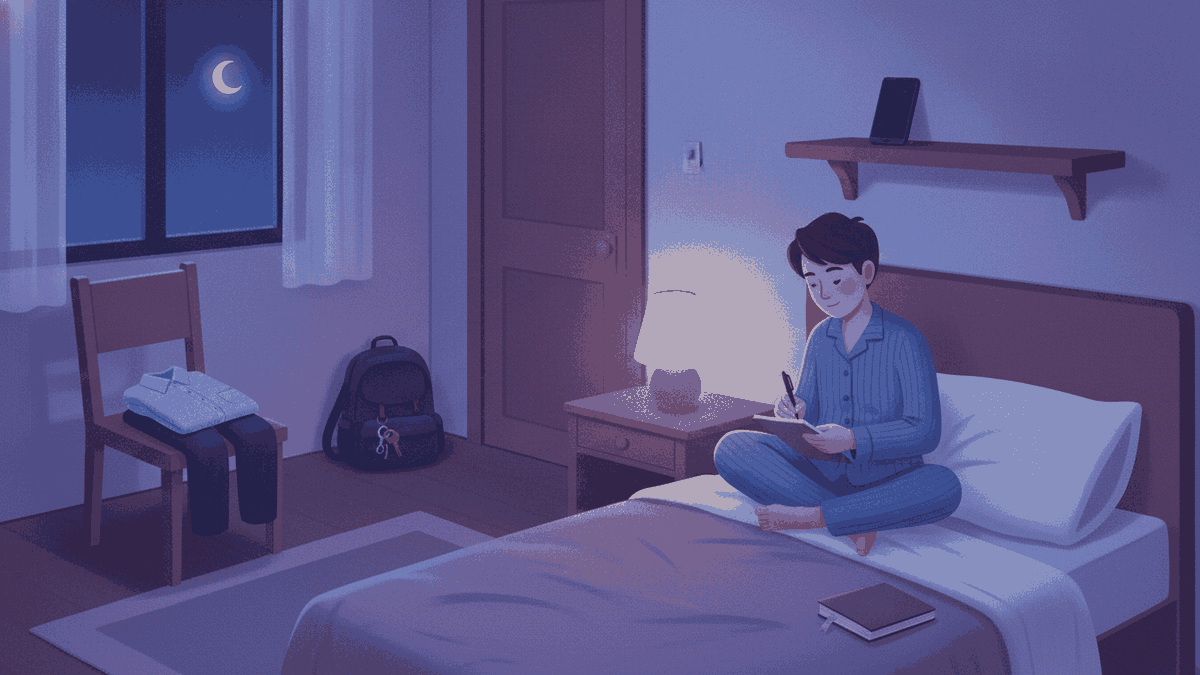
Calm mornings are mostly built in the last hour of the evening. The NHS suggests spending the hour before bed on something relaxing, such as reading, breathing exercises or quiet music, and avoiding phones, tablets and computers in that hour, since the blue light from screens can make it harder to fall asleep. NHLBI, part of the US National Institutes of Health, also recommends quiet time before bed and a bedroom that is quiet, cool and dark. You can read both in the NHS tips for sleeping better and the NHLBI guide to healthy sleep habits.
A simple evening checklist:
- Choose tomorrow's wake time and set the alarm. Same time as most days, if you can.
- Lay out clothes and pack your bag.
- If tomorrow's tasks are keeping you awake, write them on a list. The NHS suggests this for people who lie awake worrying.
- Turn the phone face down, out of arm's reach if you tend to scroll. Our guide to where to put your phone at night covers the trade-offs.
- Check the ringer volume, then run a quick test alarm. More on that below.
The test matters more than it sounds. A calm morning falls apart if you wake with a jolt of panic, wondering whether the alarm was ever going to ring.
How do you pick an alarm sound that starts the day calmly?
Start with the built-in way, because it is free and already on your phone. On iPhone, open Clock, tap Alarms, then tap an alarm to edit it and choose Sound. Apple describes the full steps in Apple's guide to setting an alarm in Clock. On Android, open the Clock app, tap Alarm, tap the alarm you want to change, then tap the alarm sound. Google lists the options in its help page on setting alarms, including built-in sounds and audio files saved on your phone.
If you use an iPhone sleep schedule, the wake-up alarm lives in Health instead. Apple says you can pick its sound and vibration there, and that any alarm you add in Clock is separate from the sleep schedule. If you have both, check which one you meant to use, or you may end up with two alarms. You can change your next wake-up alarm from Clock. Apple explains it in Change your wake up alarm in Clock.
When you choose, listen to the whole sound, not the first second. Ask yourself two questions. Would I mind hearing this on a bad morning? Is it clear enough that I will actually notice it? A very soft sound can slip past you. A harsh one can leave you irritated before the day starts. Our guide to changing your alarm sound on iPhone walks through the built-in options in more detail.
Where AlarmiFex fits
If the stock list feels thin, AlarmiFex is one option. It is an alarm app with 34 sounds in five moods: Calm, Energetic, Motivational, Classic and Anime. You can preview a sound before you choose it, so you can pick one from the Calm mood for a slower start, or an Energetic one for days that need a push. Browse the mood-based sound library to see how it is organised. AlarmiFex is a free download. Premium sounds and custom sounds need a subscription, so check current pricing and terms in the app.
You can also bring your own sound. AlarmiFex imports audio or video files, voice memos included, and lets you trim the clip to the part you want. It does not record inside the app, so record the memo in your phone's own voice memo app first. A warm line from a friend or a favourite piece of music can be a gentler start than a beep. See custom alarm sounds for how it works.
Should you use one alarm or a few?
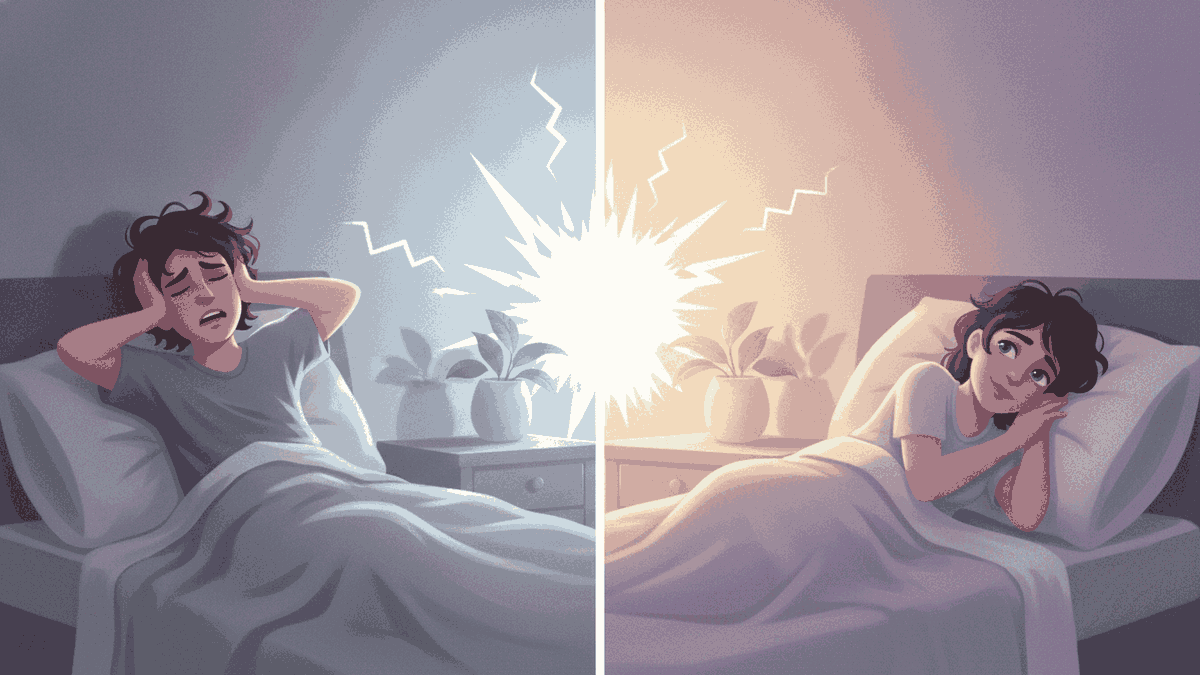
One alarm is simplest, and for most people it is enough. The calm version of the habit is to set one alarm for the time you want to be up, then get up when it rings. Stacking alarms every five minutes can turn the morning into a series of small alarms, each one a little more stressful than the last.
There are two honest reasons to use more than one sound. First, some people find that the same sound every day fades into the background. That is called habituation, and a fresh sound can help you notice the alarm again. Second, a very early or high-stakes morning may call for a backup. If that is you, set the second alarm a few minutes later and treat it as a safety net, not a plan to snooze.
AlarmiFex has a feature built for this, called the Wake-up Series. It plays several different sounds across a time window you set, rather than the same sound on repeat. It is one way to ease in, not a promise that you will wake. No app can guarantee that, and we will not pretend otherwise. If you often sleep through alarms, our guide on why people sleep through their alarm is a good next read.
How do you test that the alarm will ring?
A calm routine depends on trusting the alarm. Spend two minutes on a test, once, whenever you change phones, sounds or settings:
- Set an alarm for two minutes from now.
- Lock the phone and put it where it sits at night.
- Listen from your bed. Can you hear it clearly? If not, raise the ringer volume or pick a clearer sound.
- Switch the ringer to silent and repeat if you plan to sleep that way.
Behaviour differs by phone. The stock iPhone Clock alarm is designed to sound even with the ring switch on silent. On Android, Google notes that if the phone's ringer is set to silent with vibration off, the alarm will not sound, so check that setting. On iPhone, AlarmiFex uses Apple's AlarmKit, so its alarms ring with the app closed, the phone locked, on silent or in Focus once you allow alarms. That is an iPhone feature. It is not part of the Android app. AlarmiFex on iPhone plays at the device's ringer volume. The stock Clock alarm volume can be set separately on iPhone: in Settings, tap Sounds & Haptics, then Alarms and Timers, and turn off Match Ringtone Volume to use its own slider. Keep both turned up and test. If the sound is too quiet, see why an iPhone alarm can be quiet.
What should the first ten minutes look like?
Once the alarm rings, keep the first few minutes small and the same each day. A routine like this fits in ten minutes:
- Stop the alarm and sit up. Do this before you pick up anything else.
- Let light in. Open the curtains or step outside. NHLBI recommends spending time outside each day when you can.
- Drink some water. Keep a glass by the bed or in the kitchen.
- Move a little. Stretch, walk to the window, or take a short walk.
- Look at the phone last. Do the first three steps before messages and news.
If you feel groggy for the first stretch after waking, that is common. It has a name, sleep inertia, and it usually passes within a short time. Give it time before you judge how the day will go.
If you find you are regularly worn out despite enough time in bed, or mornings bring ongoing anxiety or low mood, talk to a doctor or other clinician. A routine is a helpful habit, not a treatment. For everyday sleep habits, the NHS has a page on how to get to sleep.

How do you keep a calm routine going?
The habit sticks when it is easy to repeat and forgiving when you miss a day. A few ways to keep it going:
- Keep the wake time steady. NHLBI suggests the same schedule on weeknights and weekends, with no more than about an hour of difference.
- Change one thing at a time. Start with the alarm sound, then add water, then light.
- Tie it to the moods you want. A Calm sound for slow mornings, a Motivational one for early starts. The morning motivation page has ideas for the days that need a lift.
- Refresh the sound now and then. If you stop noticing it, change it.
If you want to see how AlarmiFex compares with the stock app before trying it, see AlarmiFex vs the iPhone Clock app. The built-in alarm works well, and AlarmiFex adds a mood library, your own trimmed clips and the Wake-up Series.
Quick answers
Keep it short and repeatable. Wake at a steady time, turn off the alarm and sit up, let in some light, drink water, move a little, and check your phone last. Prepare clothes and bag the night before.
One that you notice and do not dread. Listen to the whole sound before you pick it. In AlarmiFex you can preview sounds from the Calm mood, or use the built-in Clock sounds.
We make no health claims for any sound. A sound you like is a pleasanter way to start, and a prepared evening means fewer rushed minutes. Test that you can hear it.
Free to download. Premium sounds and custom sounds need a subscription. See current pricing and terms in the app.
If you are regularly tired despite enough time in bed, or mornings bring ongoing anxiety or low mood, speak to a doctor or other clinician. This guide is general information, not medical advice.